
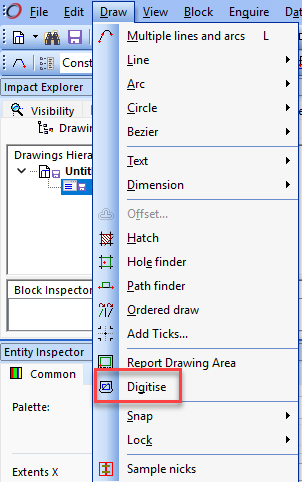
The Digitise tool is accessed via Draw > Digitise:
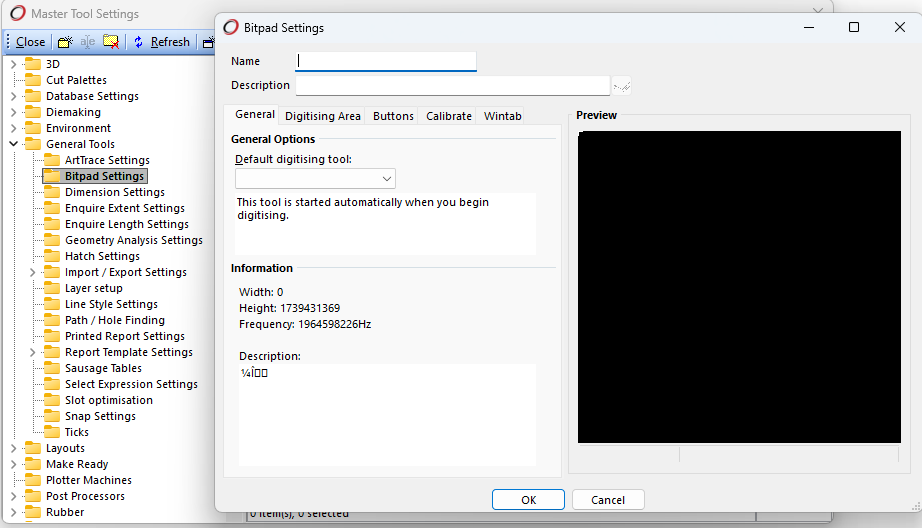
In order to use a digitiser (also called a bitpad, or digitising tablet), you must configure settings for it via the Bitpad Settings. This can be done via Options > Master Tool Settings > General Tools > Bitpad Settings:
Prerequisites
- A compatible digitising tablet must be connected to your computer
- The correct Wintab driver for your tablet must be installed
- Bitpad Settings Master Tool Setting
If the Wintab driver is missing or not detected, Impact will not allow digitising to be configured or used.
What to do if Digitise is unavailable
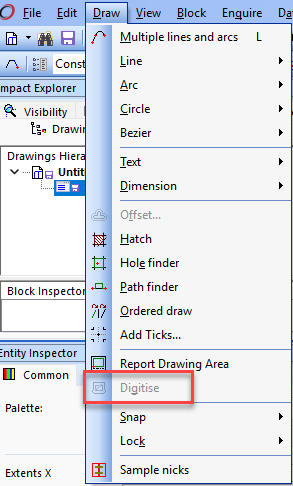
If you expect to use the Digitise tool but the Digitise options are disabled:
- Confirm a compatible digitising tablet is connected to your computer
- Install or verify the correct Wintab driver for your specific digitising tablet
- Restart Impact after the driver has been installed
Once Impact detects the driver, the Digitise option will become available.