
Use this form to display and modify the script options for this project.
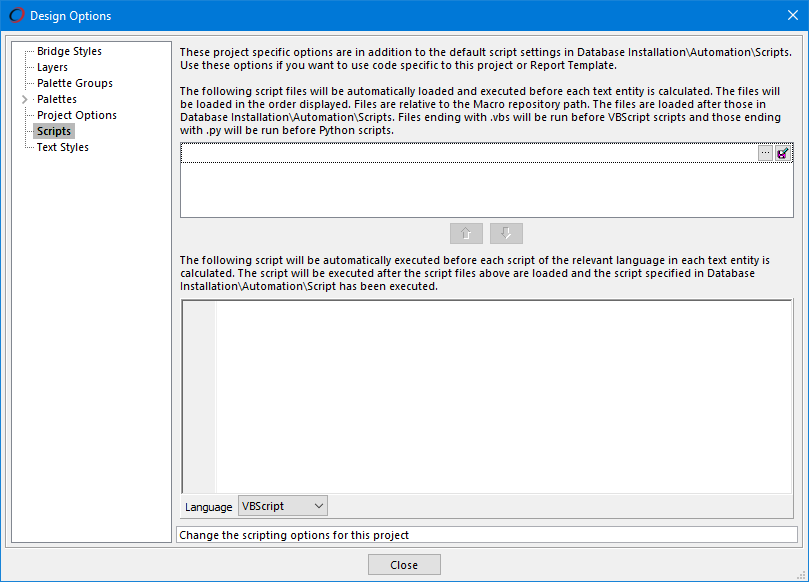
Design Options - Scripts
These project specific options are in addition to the default script setting in Database Installation - Automation - Scripts.
Specify a list of additional script files to automatically load in projects containing script text entities. This is particularly useful for report templates.
 Use this button to add a new script file, or to replace the highlighted one.
 Use this button to edit the text within the highlighted script file.
In the second box you can add some script commands that will be automatically executed before each script text entity is calculated.
From the Language dropdown, choose the appropriate script language; either VBScript or Python.
The order of execution of all of the scripts is as follows:-
- Database script files
- Project script files
- Database inline script
- Project inline script
Feature Change History
The following changes have been made to this feature.
| History of Change | Version |
|---|---|
| Support for Python Scripting included | 2026 |